Iskra Editor – Lightweight Text Editor for Windows

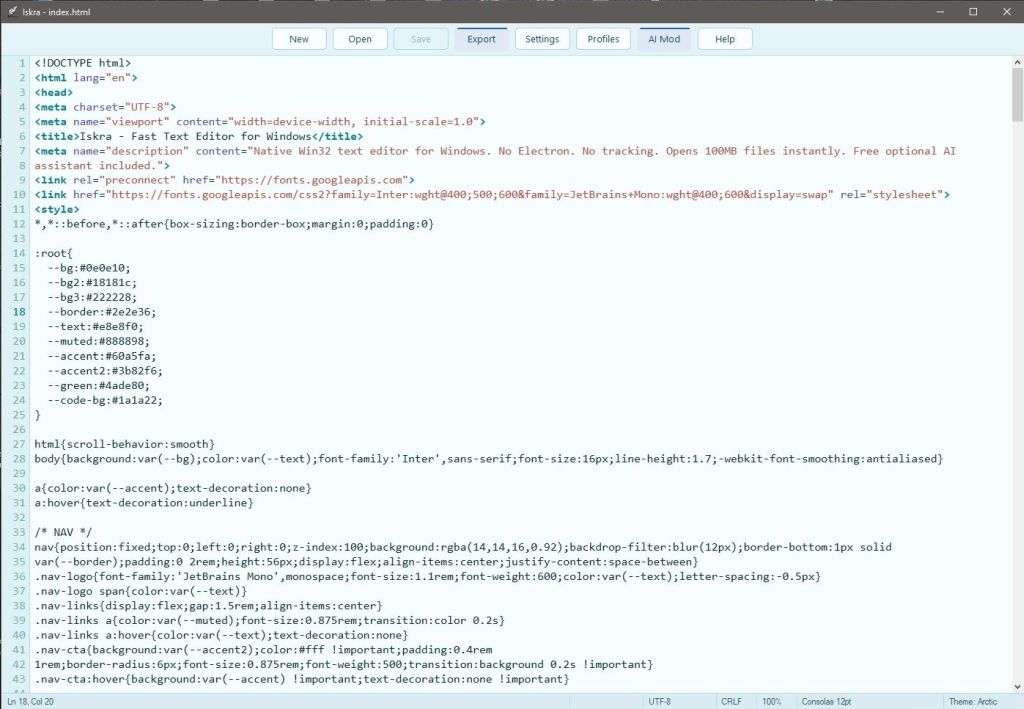
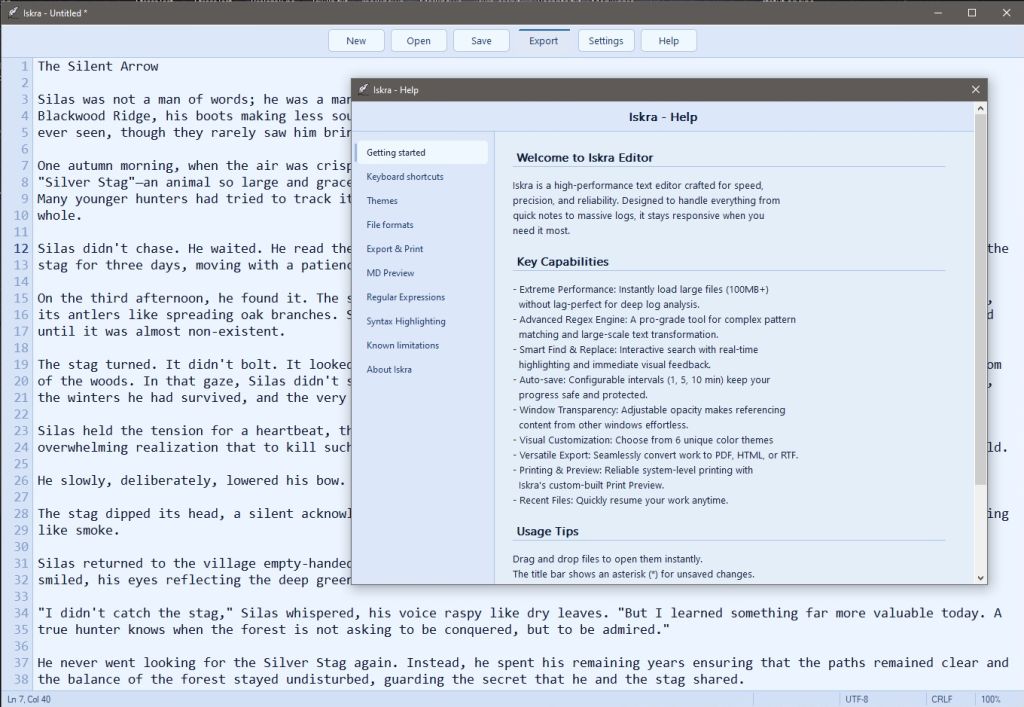
Iskra Editor is a high-performance, native x64 text editor, built from the ground up for Windows 10 and 11 using C/C++ and the Win32 API within Visual Studio 2026. While modern text utilities can often become cluttered, Iskra is a standalone, purpose-built tool designed for those who prioritize efficiency. It offers a distraction-free, lightning-fast environment, making it an excellent alternative for users who need a responsive, reliable tool for quick notes and heavy text processing alike.

Whether you are a developer looking for a distraction-free environment or a user who needs a reliable, fast tool for text manipulation, Iskra Editor is crafted to respect your system resources and your workflow.

Key Capabilities

  • Extreme Performance: Instantly load large files (100MB+) without lag — perfect for deep log analysis.
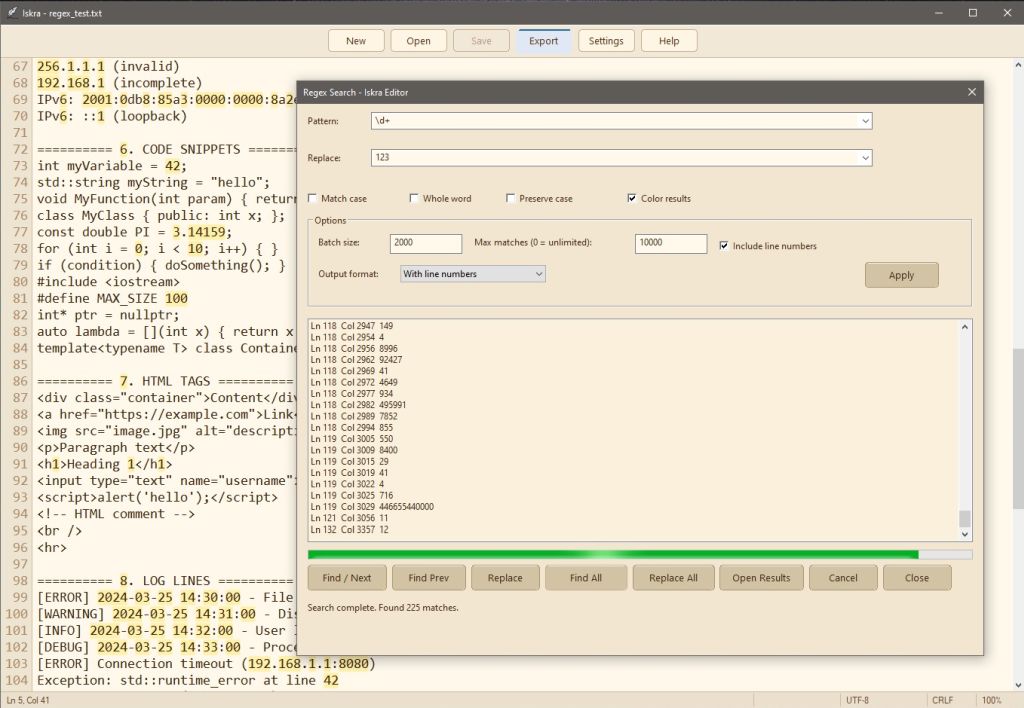
  • Advanced Regex Engine: A pro-grade tool for complex pattern matching and large-scale text transformation.
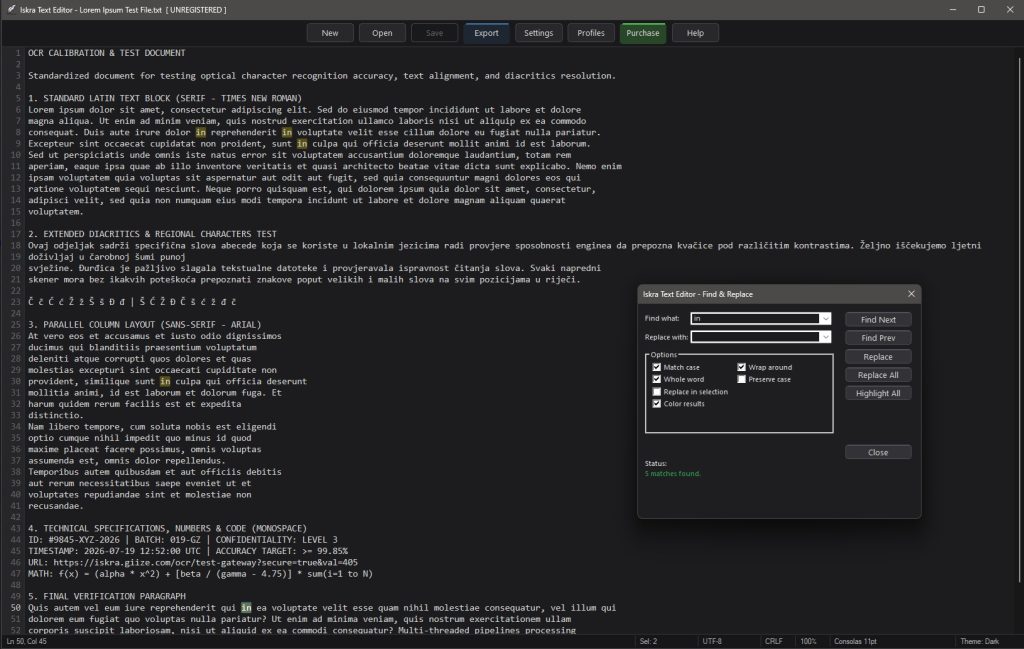
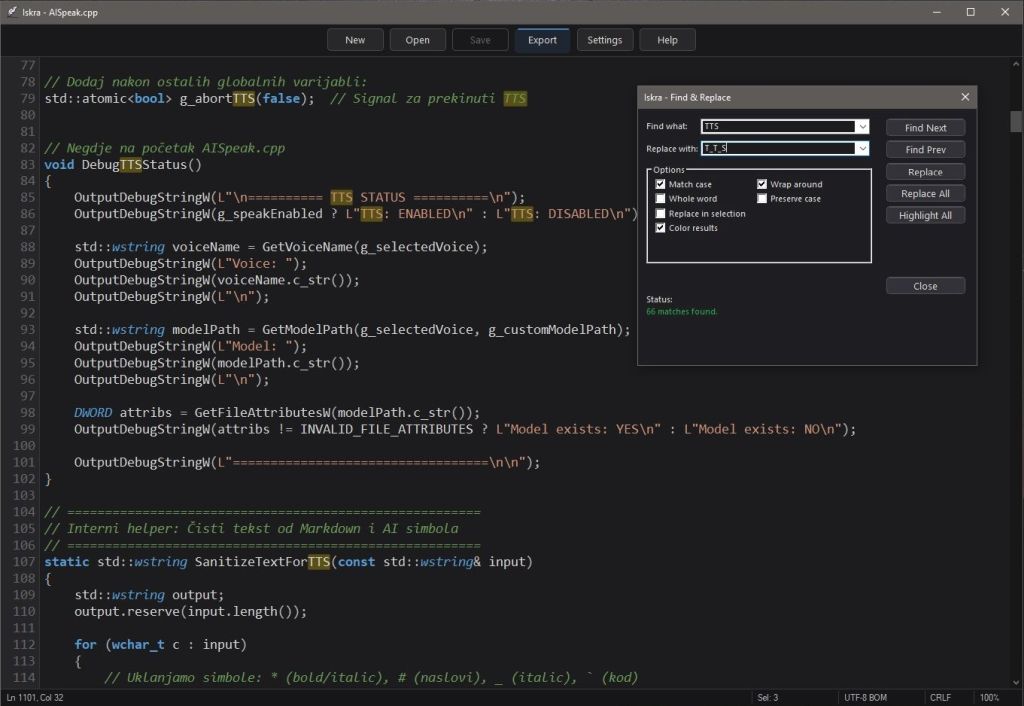
  • Smart Find & Replace: Interactive search with real-time highlighting and immediate visual feedback.
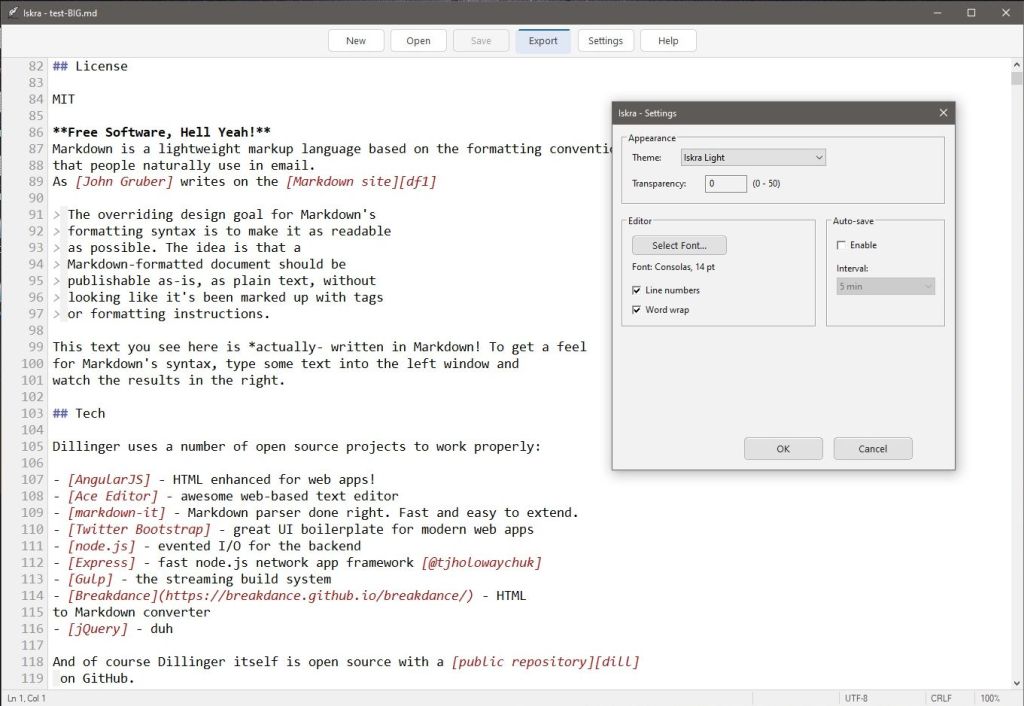
  • Configurable Auto-Save: Choose your preferred interval (from 1 to 60 minutes) to keep your progress safe and protected.
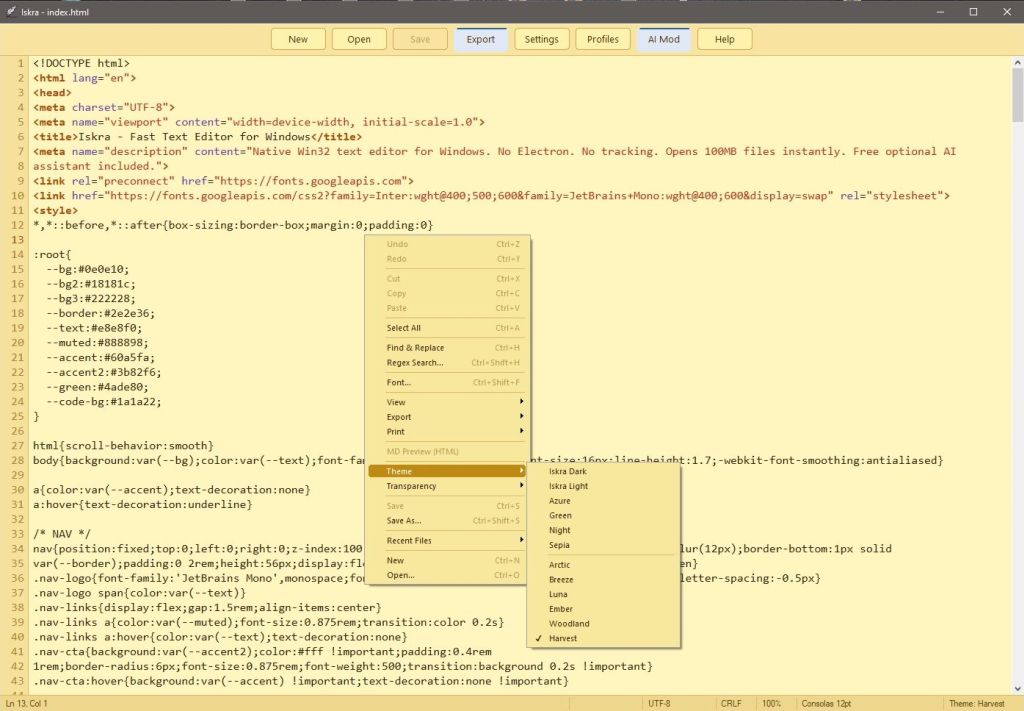
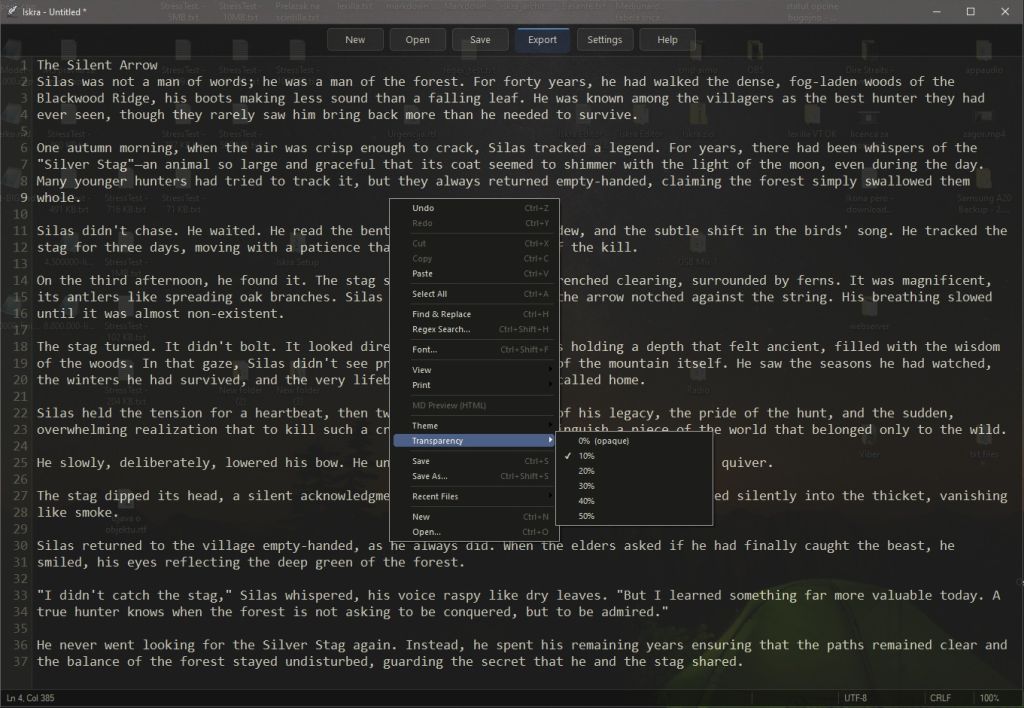
  • Window Transparency: Adjustable opacity makes referencing content from other windows effortless.
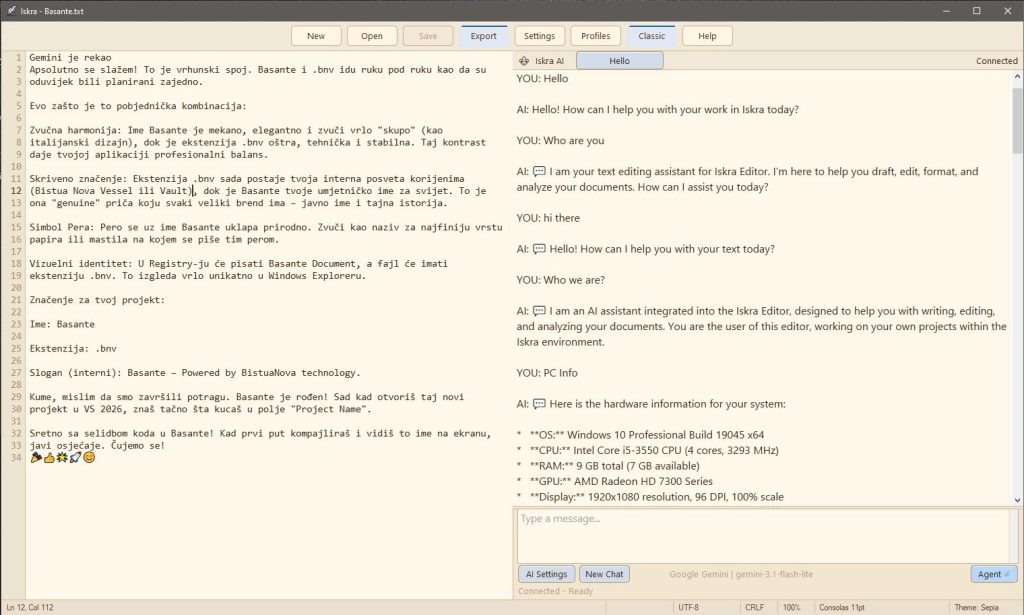
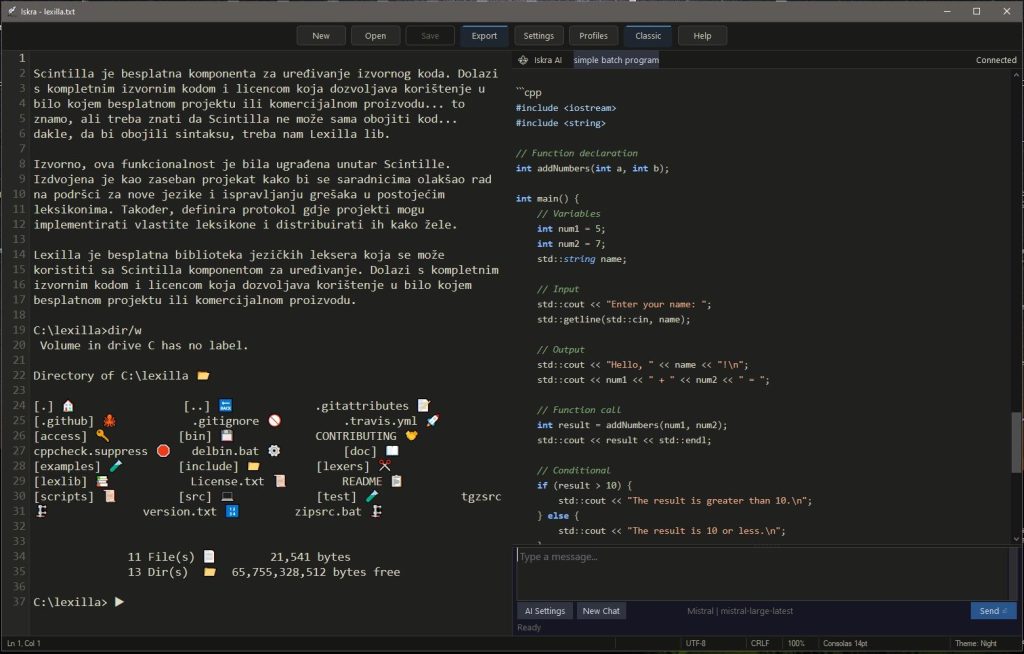
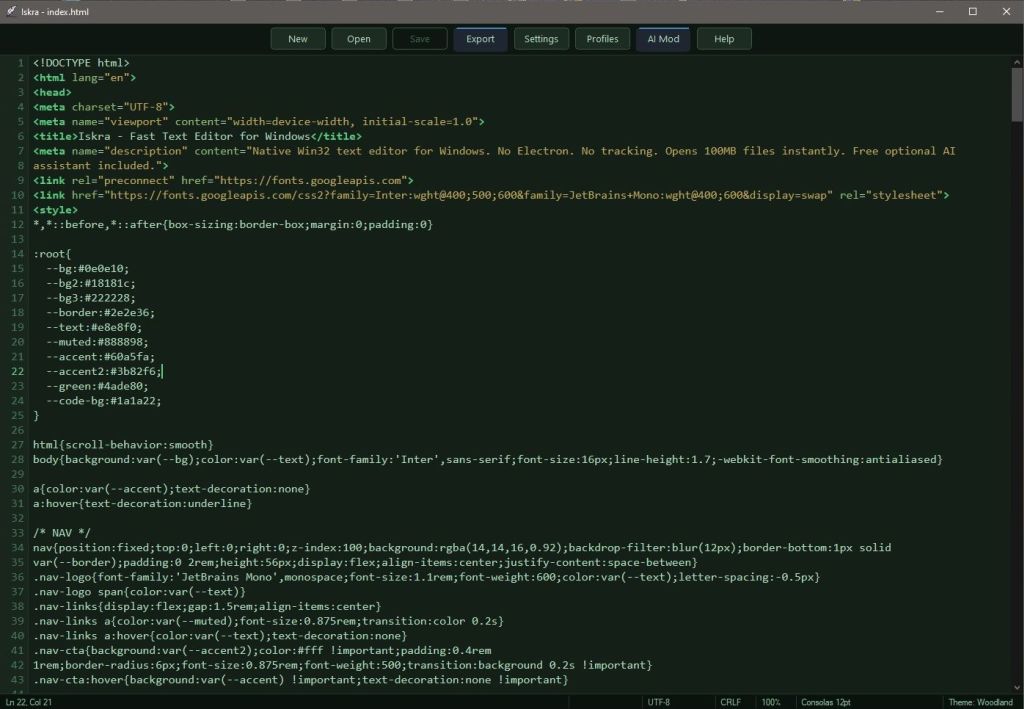
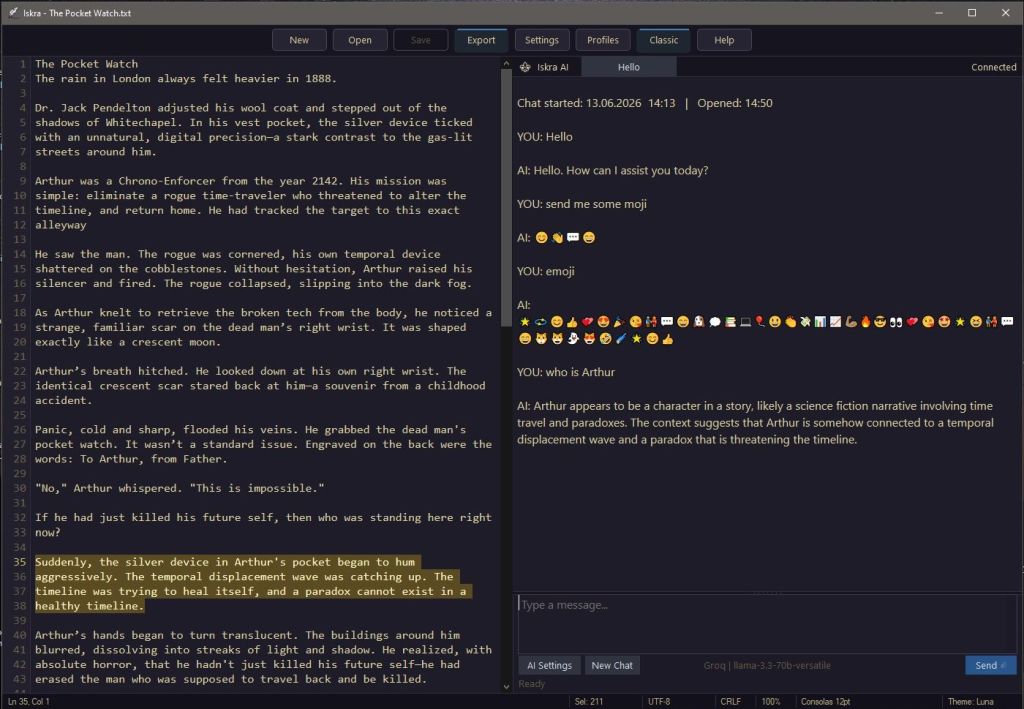
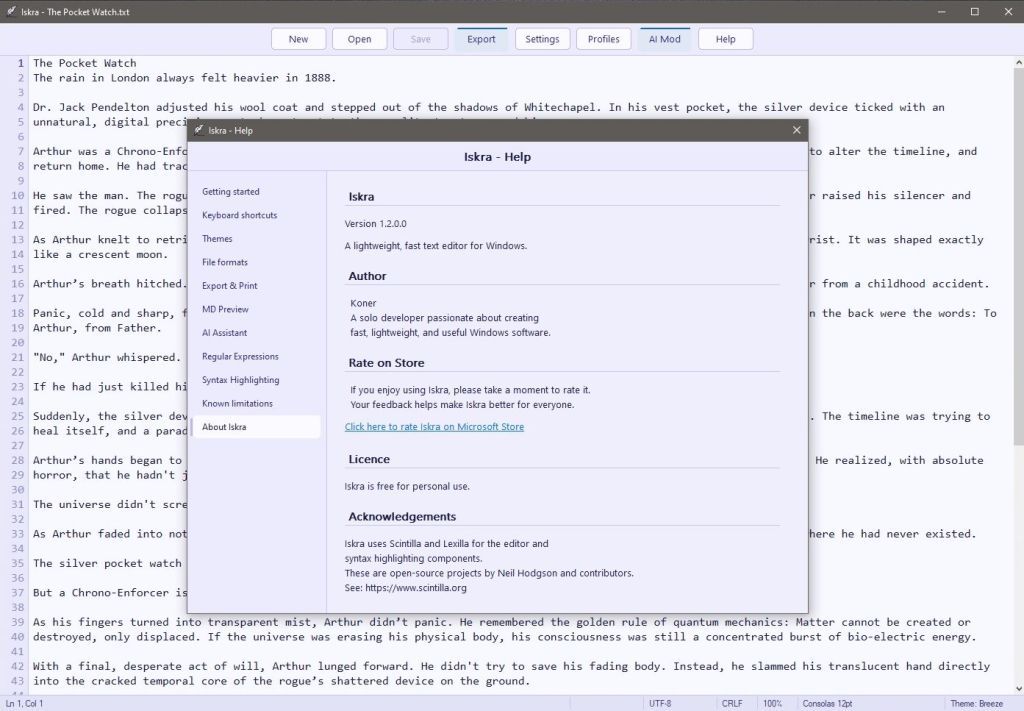
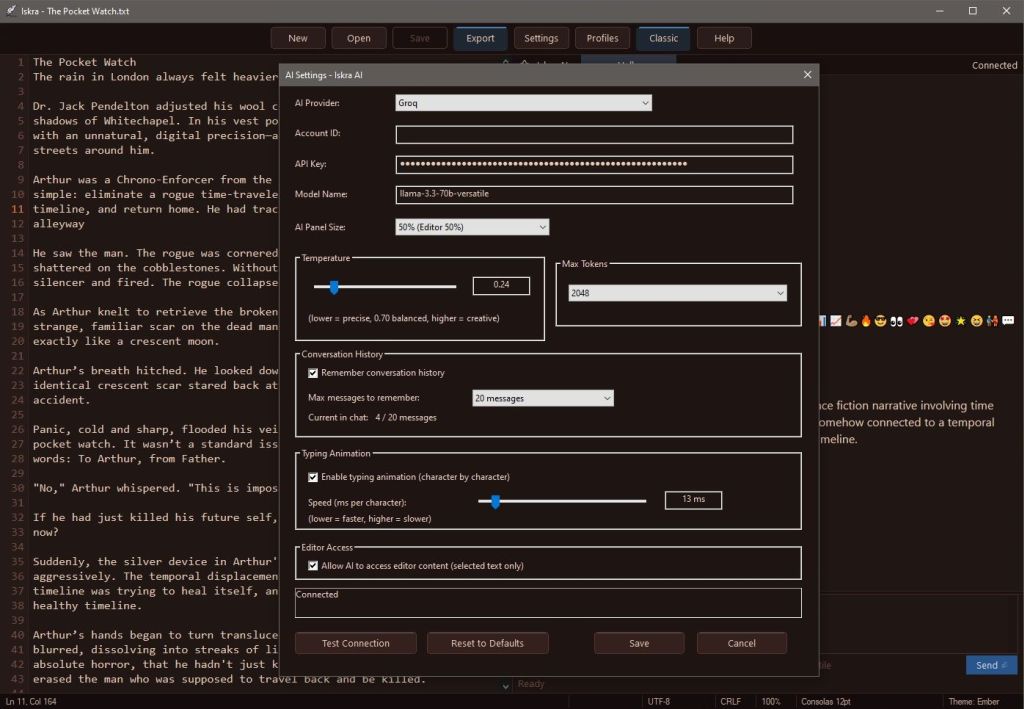
  • Visual Customization: Personalize your workspace with 6 unique color themes.
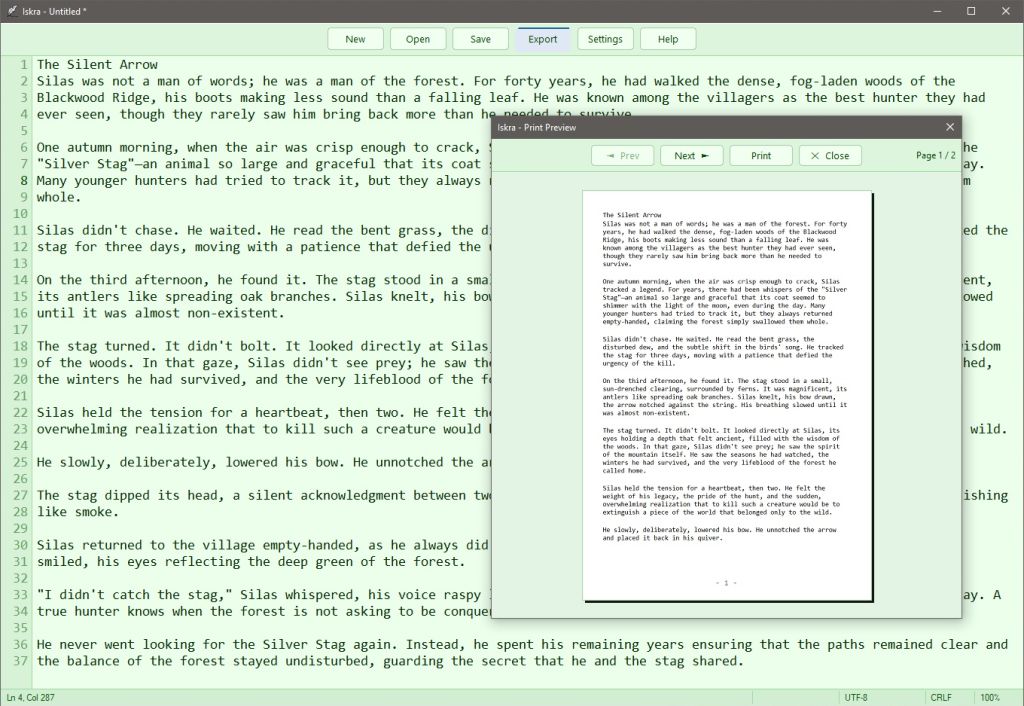
  • Versatile Export: Seamlessly convert your work to PDF, HTML, or RTF formats.
  • Printing & Preview: Reliable system-level printing featuring Iskra’s custom-built Print Preview.
  • Recent Files: Quickly resume your work anytime.

Choose the version that fits your needs:

VersionDescriptionDownload
Installer (Setup)Recommended for permanent use. Creates desktop shortcuts and handles file associations.[Download Setup v1.4]
PortableNo installation required. Extract the ZIP file and run Iskra.exe from any folder or USB drive.[Download Portable v1.4]

File Integrity (SHA-256 Checksums)

File NameVersion TypeSHA-256 Checksum
IskraSetup.zipInstallation0e103daaf13451ceaaeab93f596625911a122869f7905ccf1f33e35d24765dd6
Iskra.zipPortable69eb591a761882731e9d5539f6032d4703108b44e0fa6b5469effb1201e2da0d

“If you want to verify that your file is authentic and has not been altered, you can calculate the SHA-256 checksum of your downloaded file and compare it to the values listed above. Additionally, for your peace of mind, you are welcome to scan the downloaded file on VirusTotal to confirm that it is clean and safe.”

Check out our gallery to see how Iskra Editor looks in its various customizable color themes: